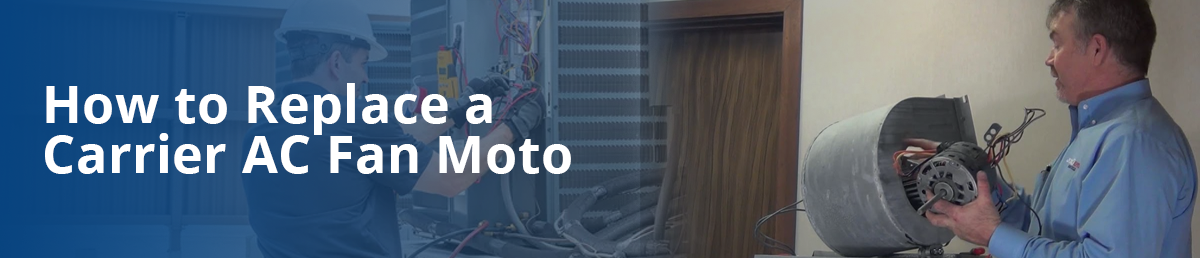
How to Replace a Carrier AC Fan Motor
When your Carrier AC fan motor is not working, it can lead to reduced cooling Productivity higher energy consumption, and uncomfortable indoor temperatures. replacement the fan motor along your carrier AC get fix its operation and you get keep along help fees away Effectiveness it yourself if you're easy with electric and mechanical repairs. Here's a step-by-step guide to help you replace your Carrier AC fan motor.
Table of Content
1. Introduction to AC Fan Motor
2. Signs your AC Fan Motor Needs replacement
3. Tools Required for Replacing Fan Motor
4. Step-by-step process for replacing the fan motor
5. Safety Precautions
6. Professional Help
7. Conclusion
Introduction to AC Fan Motors
The fan motor in a Carrier AC system plays a crucial role in circulating air through the evaporator coil enabling efficient heat exchange. without a properly functioning fan motor, the cooling system won’t work efficiently. If the fan motor is beyond repair replacing is essential to ensure the system runs smoothly.
Signs Your Carrier AC Fan Motor Needs Replacement
Before jumping into a replacement it is important to recognize the signs of a failing fan motor. attrition or high sounds get a point problem with bearings. If the fan is not blowing air the motor could stop working. A motor that often overheats and shuts down signals that indication for replacement. If your system is working harder to cool the space it may be due to a faulty motor.
If you notice these symptoms it is time to consider replacing the fan motor.
Tools Required for Replacing The Fan Motor
- Screwdriver (Phillips and Flathead)
- Wrench or socket set
- Multi-meter
- Wire cutters/Strippers
- Replacement Fan Motor (Ensure it Matches your AC Representation)
- Capacitor (if Needed)
- Partsaps products for Additional Replacement Parts
Make sure to have all the tools and parts ready before starting the Method.
Replacing The Fan Motor
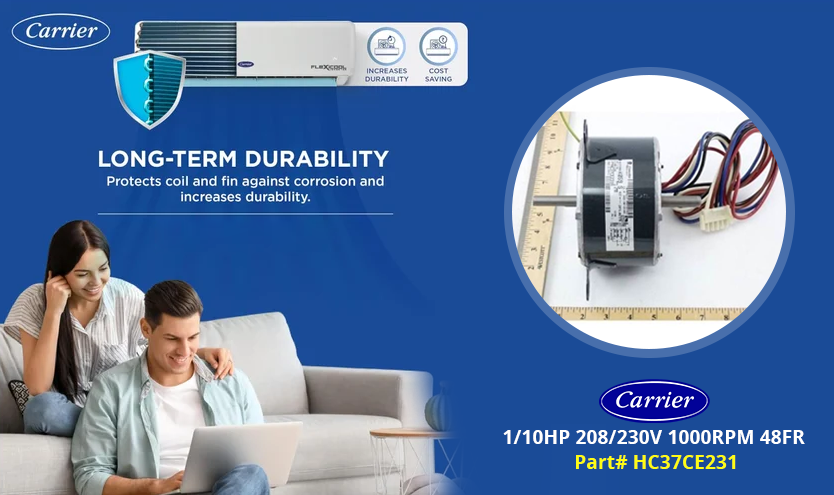
Disconnecting power
Before you begin turn off the power of AC to void whatever electric hazards. Always double check the power is off using a multi-meter to Check for voltage.
Removing The Old Fan Motor
- Locate the fan motor in your Carrier AC's outdoor unit. it typically found the top head of the unit.
- Remove the screws or bolts securing the top panel of the AC unit.
- Lift the assembly (fan blades & motor) out of the system carefully.
- Disconnect the wiring from the old motor by noting the connections or taking a picture to ensure proper re-connection later.
- Take out the fan blades from the old motor.
Installation of the New Fan motor
- Slide the fan blades onto the shaft of the new motor ensuring they are positioned exactly as on the old motor.
- Secure the blades with the set screw.
- Carefully place the motor and fan assembly back into the AC unit.
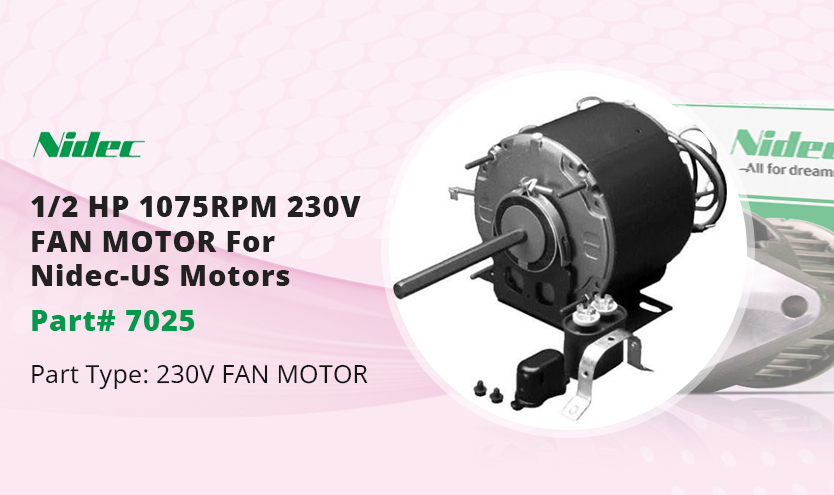
Wiring The New Motor
- Reconnect the wires to the new motor.
- Refer to the motor manual, if your motor has colored wires compared to the original one.
- Secure the connections using wire nuts and wrap them with electrical tape for added safety.
- Faulty capacitors can cause motor issues, so replace the capacitor if needed.
Testing The system
- Once the motor and wiring are in place replace the top panel and secure it with screws or bolts.
- switch on the power and test your AC unit.
- Listen for any unusual noises and check if the fan is spinning correctly. the unit needs to go cool expeditiously again
Safety precautions
Consult a professional technician, if you are unsure about any part of the replacement process. Wear gloves and protective eyewear and turn off the power before working on your AC.
Quality Product - Carrier Replacement Parts - @PartsAPS
When to Seek Professional Help
- If you are unsure about handling electric wiring or troubleshooting.
- If you can’t get the right switch motor.
- If the job persists subsequently replace the fan motor.
Call an HVAC professional if in doubt about the process. For reliable AC parts including fan motors and capacitors, you can explore partsaps which offer a variety of replacement parts for HVAC systems.
Conclusion
Replacing a Carrier AC fan motor is a manageable task if you follow the right steps and use the proper tools. Ensuring the longevity of your fan motor through regular maintenance will help avoid future repairs. If you’re unsure about any part of the process, it's advisable to consult with a professional technician or refer to reputable sources such as PArtsAPS for high-quality replacement parts.
Related Content
1. Carrier Heat Pump Troubleshooting 2. Carrier Infinity Air Purifier Installation
3. Carrier Furnace Troubleshooting 4. Carrier AC troubleshooting