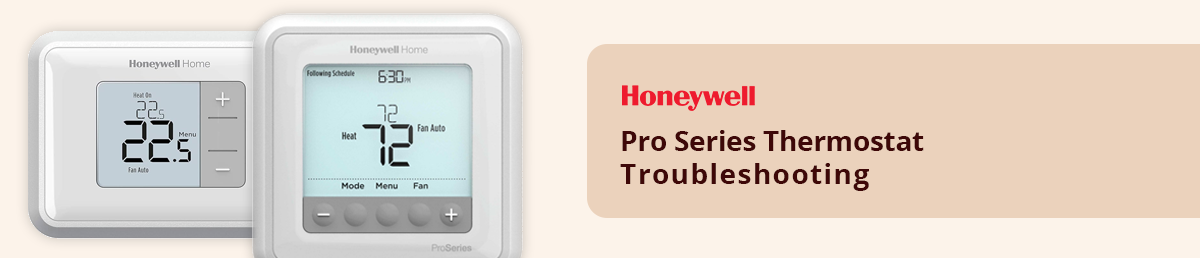
Honeywell Pro Series Thermostat Troubleshooting Guide
Table of Content
1. Introduction
2. Common Problems with Honeywell Pro Series Thermostat
3. Step by step Troubleshooting
4. Maintenance Tips for Optimal Performance
5. Where to Find Replacement Parts
6. Conclusion
Introduction
The Honeywell Pro Series thermostat is a popular choice for maintaining home comfort due to its advanced features and reliability. However, like any device, it may encounter issues that require troubleshooting. This guide will help you diagnose and resolve common problems to keep your thermostat functioning smoothly, for quality replacement parts visit Partsaps a trusted source for HVAC Parts.
Common Problems with Honeywell Pro Series Thermostat
a) Thermostat Not Turning On
One of the most frequent Problems is a thermostat that fails to power up. this gets work caused by dead batteries, a tripped circuit breaker, or a wiring problem.
b) Display Not Working
A blank display may indicate power Problems or an issue in the thermostat internal circuitry.
c) Inaccurate Temperature Readings
If your thermostat shows inconsistent or wrong temperatures, it could be due to sensor issues or incorrect placement.
d) HVAC System Not Responding
When the HVAC system does not respond to thermostat commands the Problem may lie in the thermostat settings or the HVAC wiring.
Order Online Original Honeywell Replacement Parts @PartsAPS
Step-by-Step Troubleshooting
a) Check the Power Supply
Inspect the Batteries and Replace the batteries if the thermostat is battery-powered. check they are installed correctly.
Check Circuit Breaker and Reset the breaker if it has tripped.
Verify the C-wire connection and Ensure the thermostat receives power through the C-wire if applicable.
b) Reset the Thermostat
Resetting can resolve many glitches:
1. Find the reset button (Mostly it seems under the thermostat cover).
2. Press and hold it for 10 seconds.
3. Reconfigure the settings as necessary.
c) Verify System Settings.
Ensure the thermostat is set to the correct mode (heat or cool) and that the temperature settings are appropriate for the current weather.
d) Inspect the wiring
Loose or disconnected wires disrupt the link between the thermostat and the HVAC system.
Turn off the power supply.
Remove the thermostat cover and check for any loose wires.
Securely reconnect any loose wires to the designated terminals.
Quality Product - Honeywell Spare Parts - Shop Online @PartsAPS
Maintenance Tips for Optimal Performance
Clean the thermostat daily to prevent dust particles
Replace the batteries for every 6–12 months.
Update firmware if your thermostat is a smart model.
Schedule periodic HVAC maintenance to ensure system compatibility.
Where to Find Replacement Parts
If troubleshooting reveals that parts of your Honeywell Pro Series thermostat or HVAC system need replacement visit PartsAPS. They offer a wide range of high-quality parts, ensuring you find the right component for your needs.
Conclusion
Troubleshooting the Honeywell Pro series thermostat is the process when you follow the right steps. Most problems will be resolved by checking the power supply resetting the device, and ensuring the proper wiring. Regular maintenance will also help prevent future problems. PartsAPS is a reliable and efficient solution for replacement parts.
Related Content
1. How To Change a Battery on a Honeywell Thermostat? 2. Which Honeywell Air purifier is The Best
3. How To Change a Battery on a Honeywell Thermostat? 4. How To Remove Honeywell t6 Pro Thermostat Cover?